Showing posts with label iPad art. Show all posts

Thursday, January 16, 2014

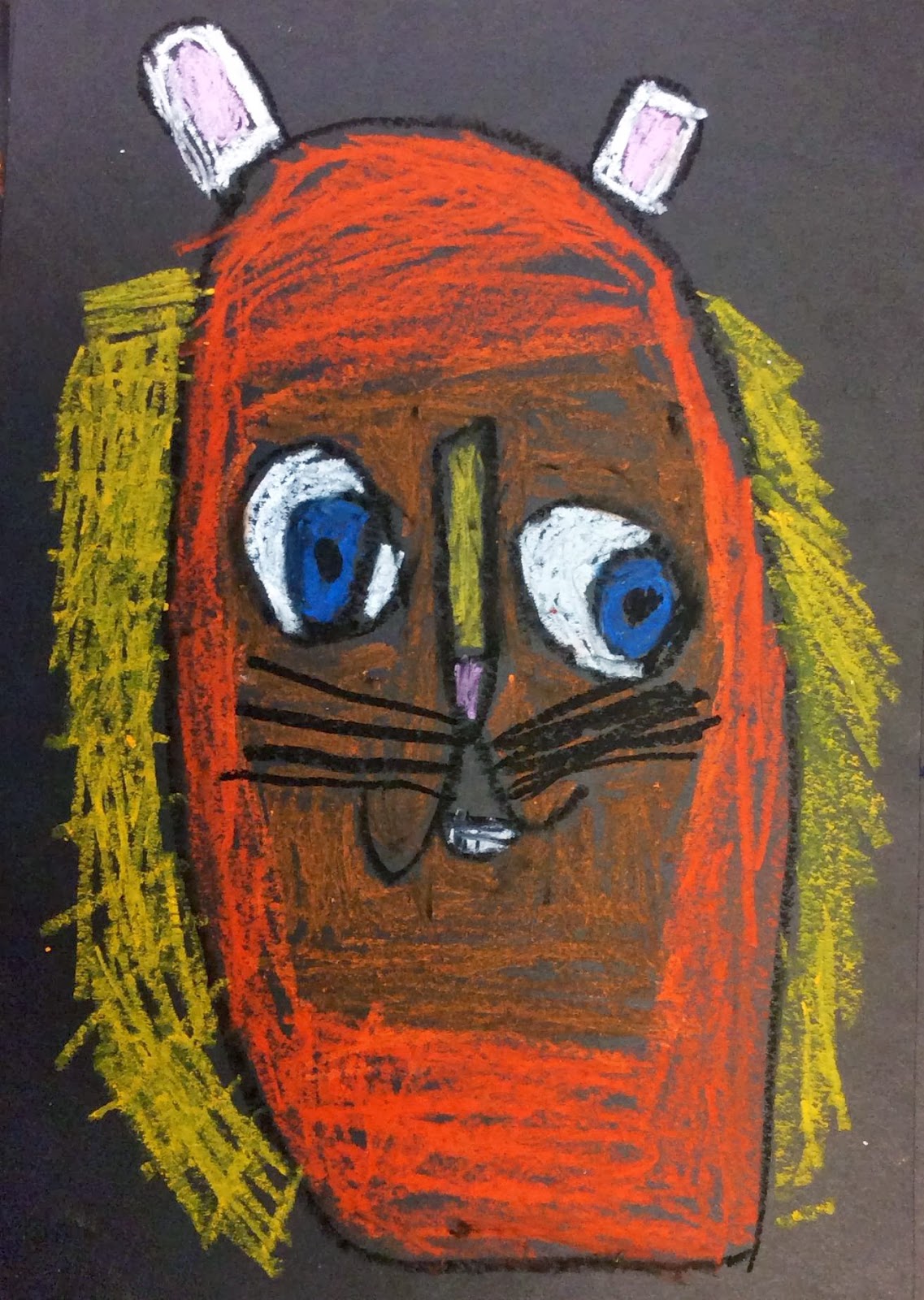
What Would Make You Roar? 1st Grade Oil Pastel Lions Talk

Oil Pastels, Music, and iPads make for a very fun art project!

This project was inspired by Susan Tiedemann from Brunswick Acres School in New Jersey.  Thanks for your inspiration!

1st grade students were learning about the difference between geometric and organic shapes. We discussed where on a lion's face could we use both types of shapes then student began to draw their lions with oil pastels.

We even enjoyed listening to Katy Perry's "Roar" while we worked. That made it even better!

When our lions were finished we were not quite done. We talked about what would make us roar. Would we roar when we were feeing happy, sad, mad, silly?

Using the iPad app Morfo students were able to bring their lions to life.


I combined each child's lion into a class video using the iMovie app. Here's the finished work -


Friday, January 11, 2013

iPad Art - Our Chalk Cupcakes Go Wild - Digitally!

Our chalk cupcakes got even sweeter when we had fun with iPad apps!

I photographed the students' chalk cupcakes for Artsonia, as I do with the majority of artwork created. Because I planned on having the students use these images on the iPads, I also created folders in Dropbox with each class's pics.
My 4th grade students (and a few 5th graders in my 4/5 split) learned how to find their cupcake image in Dropbox and download it to the camera roll, on the iPad they were using. I introduced two apps to the whole class using the iPad connected to the projector. I showed the students how to open the app, upload their picture from the camera roll, and how to adjust settings until they liked the creation. I then showed them how to email the finished image to me. I didn't spend a long time on this demo in front of the whole class though. Instead I spent more time with the first 6 students (I currently have 6 iPads) on teaching them more in depth. Then after they finished their digital images, those students chose another student to teach. This cycle continued until all students were finished. By learning and then teaching to another person you retain more knowledge.

One of the apps we used was the Percolator App. It has a lot of manipulations and adjustments that can really transform one artwork into another!


The other app we used was PhotoTropedelic  It's a very fun colorful app!

See more in our Artsonia Gallery 

Tuesday, January 8, 2013

iPad Art - Words and Landscapes - Manipulating Traditional Art with an iPad

Have I mentioned how much I love iPads? Once or twice :)

This first semester we've been enjoying our 6 iPads in my art rooms. Students have to take turns or work in groups but they don't seem to mind. They all love working with them. We will be working on creating original works directly on the iPad soon, but for now we have been using them to transform our traditional works in a few different ways.

The first example of this is adding words to the Grant Wood inspired Landscape Collages. After students finished their collage works, they used the app WordFoto to add a set of words to their art. Students learned how to use the iPad to photograph the artwork. Then they added 5-6 words that were inspired by their artwork. The first word they were asked to add was their name.

Here's one of the traditional works -


And here's her work full of words - 

The WordFoto app is customizable so that students can pick different fonts, colors, and other options to make their work as individual as them! They had fun playing around with the settings.

When a student liked their digital work they emailed it to me so that I could add it to their Artsonia Gallery.


The best part of this project was how the students worked on it. I showed the whole class using the iPad hooked up to the projector so they could see how it was done. Then while most of the class worked on another project, 6 students came back to an area of the room to work with the iPads. I helped these students on the steps, answering their questions and showing them some options. When they were finished I showed them how to email the image to me. Then the magic began - these students were asked to go bring another classmate back to the table and they taught that student by using words or pointing (not doing it for them) how to use the app and then how to email it. So by the time everyone's work was done they had been taught how to use the app and then they taught someone else how to use it!